A downloader and updater for Ragnarok Online clients.
Setting up a modern Ragnarok Online client usually means tracking down a data.grf, a translation project and the right exe, then stitching them together by hand. WARPGATE does all of that. It downloads a complete, ready-to-play client, verifies every file, and keeps it current.
How it looks

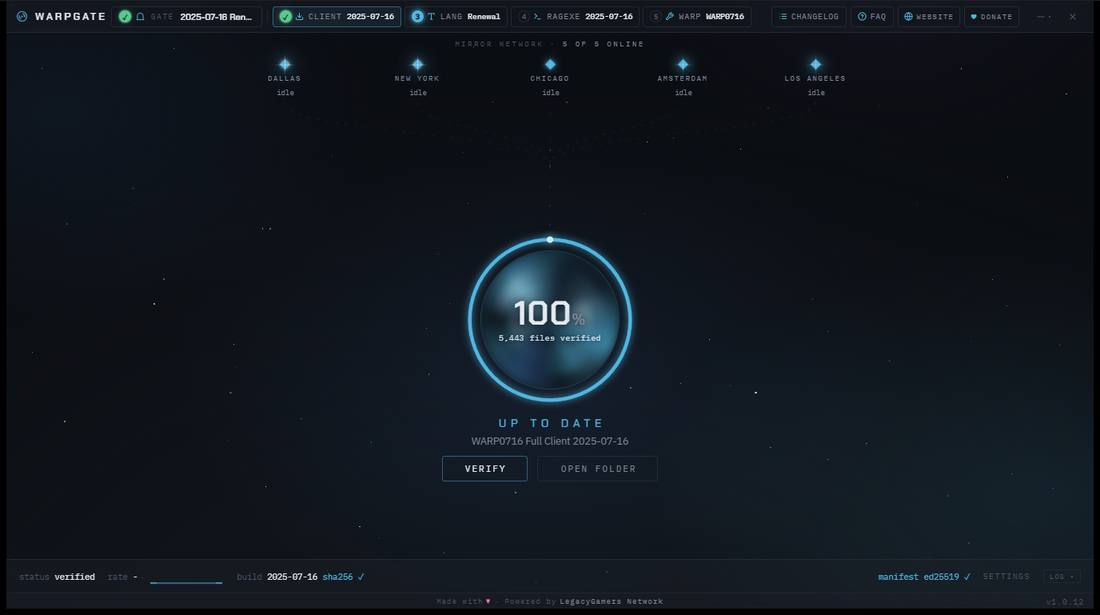
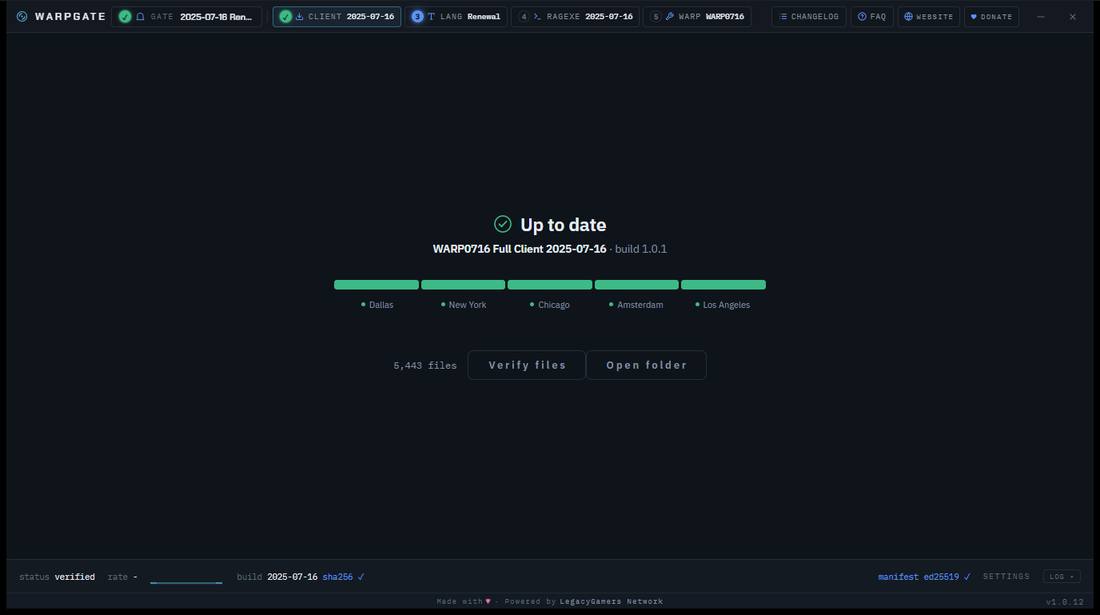
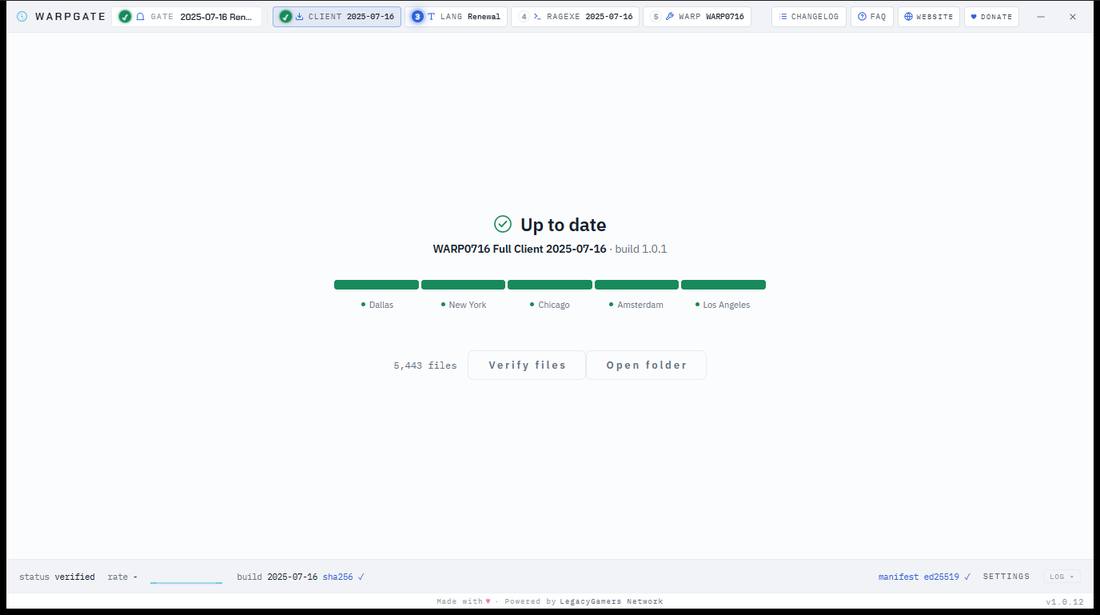
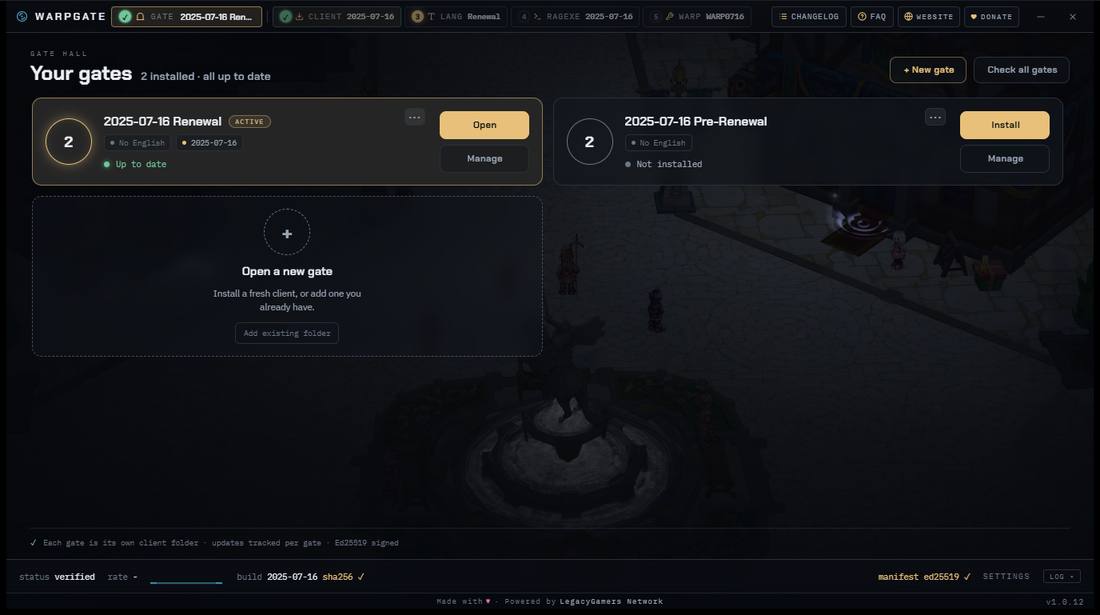
What it does
How to use it
Download Warpgate.zip
One small file, about 4 MB, and that is the whole install.
Unzip it anywhere and run Warpgate.exe
No installer, no registry, nothing left behind. Keep it wherever you like.
Choose where the client goes
A fresh folder, or a client you already have: WARPGATE checks what is there and downloads only what is missing.
Click Install and let it run
The full client streams in from five mirrors at once. From here on, updates take care of themselves.
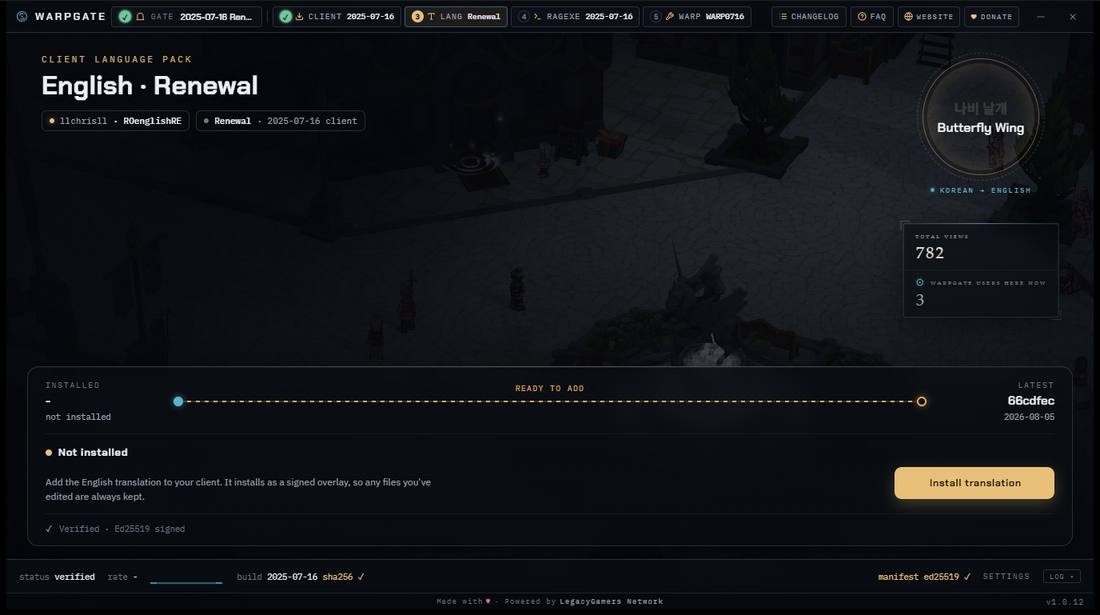
Want English? Open the LANG tab
Renewal or Pre-Renewal, one click, and it stays current for you.
Point it at your server
Set clientinfo.xml the way you always have. WARPGATE never touches it.
Builds
Every build in the catalog is signed and picked by date, so you always know exactly what you are running. The full 2025-07-16 client comes with kRO content current through June 4, 2026, about 3.8 GB. Already have the data? The ragexe alone is about 16 MB. The English translation lives in its own download and updates on its own, so a translation update costs a few MB, never a whole client.
| Build | Client | Ragexe |
|---|---|---|
| 2025-07-16 | Available full client, about 3.8 GB | Available about 16 MB, unpatched |
Download
Unzip it anywhere and run it. The same file is on every mirror: Dallas · Chicago · Amsterdam · Los Angeles. And the app itself pulls from all five at once, so you never wait on a single server.
Requirements
Windows 10 or 11, and that is all WARPGATE needs. The game client is a 32-bit program that relies on two Microsoft runtimes, Visual C++ 2015-2022 (x86) and the DirectX End-User Runtime. Most PCs already have both, and WARPGATE checks for them before every install and points you to the downloads if one is missing.
Running your own server? The WARP tab installs WARP0716, our patch set for this client: 268 patches, a recommended profile that gives you a working English client in one click, and guides for the patches that need files from you.
WARP0716 →